
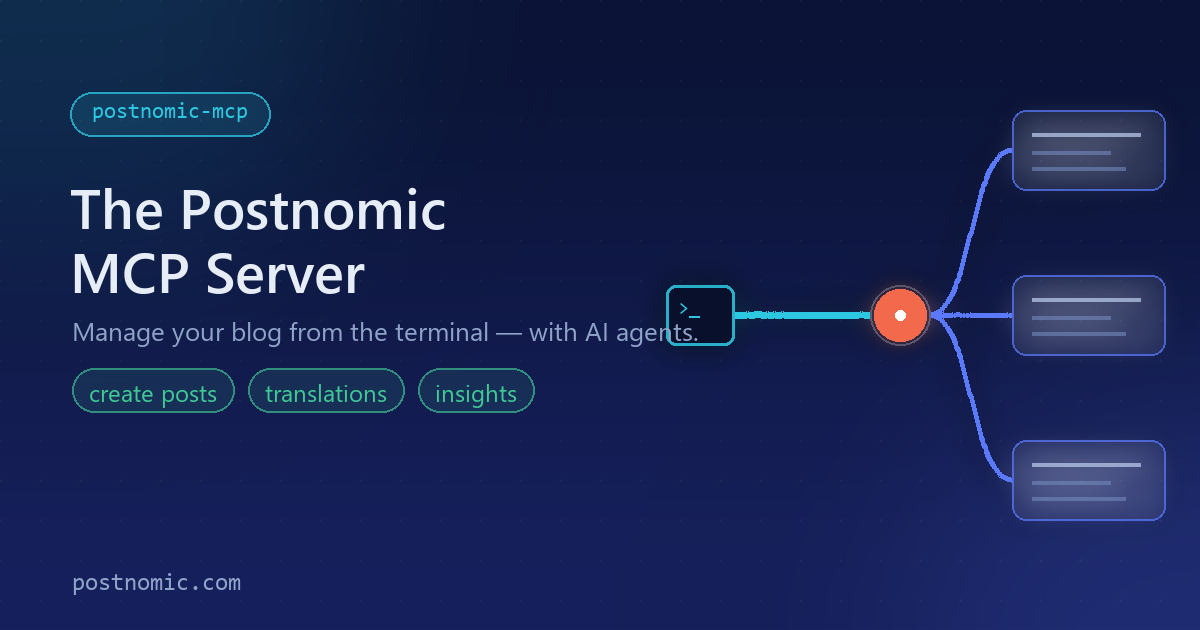
Today we're excited to announce the Postnomic MCP server — a hosted Model Context Protocol server that lets an AI agent manage your blog and read its analytics directly from your terminal.
What is it?
Postnomic is our developer-first headless blog backend: a REST API and open-source SDKs you embed into your own app. The new MCP server sits on top of that same API and exposes it as tools an AI assistant can use. Instead of clicking through a dashboard, you can simply ask your agent to draft a post, add a translation, schedule publishing, or summarise last month's traffic.
How it works
The MCP server is a thin, secure adapter over the Postnomic API. You authenticate with a personal access token minted in your dashboard, and connect from any MCP client:
// .mcp.json
{ "mcpServers": { "postnomic": { "type": "http", "url": "https://mcp.postnomic.com/mcp" } } }
Every action runs as you, with your existing blog roles and plan limits — the agent can never do more than you can, and your token is never logged.
What your agent can do
- Content — list, read, create, update, and archive posts
- Publishing — publish, unpublish, and schedule
- Translations — add or remove per-language translations (a perfect match for our multi-language posts)
- Insights — read a blog's analytics dashboard and per-post statistics
Try it
The MCP server is live now. Mint a token from the Access Tokens page in your dashboard, point your MCP client at it, and let your agent get to work.
Fittingly, this very announcement was written and published by an AI agent through the MCP server itself — in both English and German.
Comments
No comments yet. Be the first to share your thoughts!
Comments are closed for this post.