
In May 2025 I sat the GitHub Actions certification — the GH-200 exam — and passed it. I want to write about it honestly, because a certification is only as interesting as the work behind it. For us at ThreeBIT, GitHub Actions isn't a buzzword on a slide. It's the machinery that builds, tests and deploys nearly everything we ship. So certifying in it felt less like collecting a badge and more like getting formally graded on the plumbing I touch every single day.

What the GitHub Actions certification is
The GitHub Actions certification is one of five credentials in GitHub's official certification program, alongside GitHub Foundations, GitHub Advanced Security, GitHub Administration and GitHub Copilot. It's a specialty, role-focused certification rather than a broad "intro to Git" exam — it assumes you already live in repositories and want to prove you can automate the work that happens around them.
GitHub describes the credential as demonstrating proficiency in "automating workflows and accelerating development with GitHub Actions." On the certification side it carries the exam code GH-200, and the exam itself is delivered through Pearson VUE — proctored, scheduled through a Microsoft Learn account, and offered in several languages including English, Spanish, Portuguese (Brazil), Korean and Japanese. You get 100 minutes to complete it, and on passing you receive a digital badge and a certificate you can verify.
The official audience description is refreshingly specific: it's aimed at DevOps engineers, software developers and IT professionals with intermediate experience in GitHub Actions — people who already create workflows, automate things and manage CI/CD pipelines, and want to formalise that. That description fits the work I do almost word for word, which is part of why I went for it rather than a more general developer cert.
What it actually certifies
This is the part that matters, because the name "GitHub Actions" undersells the scope. The exam doesn't just ask whether you can copy a YAML snippet into a .github/workflows folder. According to the official skills measured, it assesses five areas:
- Author and manage workflows — writing workflows from scratch: triggers and events, jobs and steps, matrices, conditional execution, reusable workflows, and keeping all of that maintainable over time rather than letting it rot into copy-paste sprawl.
- Consume and troubleshoot workflows — using workflows others wrote, reading logs, debugging failures, and understanding why a run did what it did. In practice this is half the job: a pipeline that fails opaquely is worse than no pipeline at all.
- Author and maintain actions — not just consuming actions from the marketplace but building your own: composite actions, JavaScript actions, container actions, versioning them, and treating them as proper software with a lifecycle.
- Manage GitHub Actions for the enterprise — the organisation-scale concerns: runner groups, policies, sharing actions and workflows across many repositories, and keeping a fleet of pipelines coherent rather than every team reinventing the same wheel.
- Secure and optimize automation — secrets and environments, security hardening, runner choices (GitHub-hosted versus self-hosted), and the cost and performance side of automation that nobody thinks about until the minutes bill arrives.
That last cluster is the one I'd flag for anyone considering this. Secrets management, environment protection rules, and the hosted-versus-self-hosted runner decision are exactly the topics that separate a workflow that works on my machine from one you'd trust with a production deployment. A workflow with read-write tokens it doesn't need, or a self-hosted runner exposed to untrusted pull requests, is a genuine security hole — and the exam treats it as one.
The whole thing maps onto the CI/CD lifecycle: commit, build, test, package, deploy. GitHub Actions is the orchestration layer that ties those stages together, and the certification is essentially a structured way of proving you understand that layer end to end — including the bits, like runners and security, that are easy to ignore until they bite you.

Why I bothered to certify
I'll be candid: I didn't need a certificate to keep doing my job. The honest reasons I sat the exam are a bit more interesting than "it looks good on LinkedIn."
The first is that certifying forces you to fill in the gaps. When you've learned a tool by using it, you accumulate blind spots — the features you've never reached for because your first solution was good enough. Studying for GH-200 made me read the parts of the documentation I'd skipped: the finer points of reusable workflows, the matrix strategy options I'd been hand-rolling, the security hardening guidance I half-knew. I came out of it writing better workflows, and that's worth more than the badge.
The second reason is trust. We work with customers in industries where a bug isn't a cosmetic glitch — it's a missed export, a failed payment, a compliance finding. The pipeline that builds and deploys their software is part of the thing they're trusting us with. Being able to point at a vendor-recognised credential that says "this person understands CI/CD automation, including the security side" is a small but real piece of that trust. It's the same instinct behind every other certification I hold: I'd rather be measured against an external standard than just assert that I know what I'm doing.
And the third reason is simply that this is daily plumbing for us. GitHub Actions runs our pipelines. Certifying in the thing you use every day is the cheapest professional development there is — you're not learning a tool you might use someday, you're sharpening one your hand is already on.
How it shows up in our work at ThreeBIT
Here's where the certification stops being abstract. Almost every repository we run has a CI/CD pipeline built on GitHub Actions, and the shape of those pipelines is exactly the material the exam covers.
On the build-and-test side, our workflows compile our .NET projects, run the test suites, and gate merges on the result. A pull request that breaks the build or the tests doesn't get to merge — the pipeline enforces that automatically, so the discipline doesn't depend on anyone remembering to check. That's the "author and manage workflows" and "consume and troubleshoot workflows" domains in everyday practice.
This very website is a good example. Its content is Markdown, and we run markdownlint on pull requests so that broken formatting gets caught before it reaches the live site rather than after. It's a small, unglamorous check — exactly the kind of automation that earns its keep quietly. (We've also learned the hard way that a check which only triggers on pull requests can be bypassed by a direct push to the main branch, which is its own lesson in pipeline design: the automation is only as good as the path you force changes through.)
On the deployment side, the pipelines take a green build and push it where it needs to go, so releasing isn't a manual ritual that someone performs nervously on a Friday afternoon. Deployment automation is where the "secure and optimize" topics earn their place: the secrets that let a workflow talk to Azure, the environment protection that stops a deploy going to production without the right approvals, the choice of runner. Getting those right is the difference between automation you trust and automation you babysit.
None of this is exotic. That's rather the point. The GitHub Actions certification validates the ordinary, load-bearing automation that good software teams build and then mostly forget about — until the day it quietly saves them from shipping something broken. For a Microsoft-stack shop like ours that ships things which have to work the first time, that ordinary plumbing is worth understanding properly. The certificate is just the receipt.
 Verify: https://www.credly.com/badges/381b4b2a-d0db-4fca-b43a-50a235d13e29
Sources & further reading
- Microsoft Learn — GitHub Actions (GH-200) certification (exam length, skills measured, audience, Pearson VUE delivery): https://learn.microsoft.com/en-us/credentials/certifications/github-actions/
- GitHub Docs — About GitHub Certifications (the five certifications; what the Actions credential validates): https://docs.github.com/en/get-started/showcase-your-expertise-with-github-certifications/about-github-certifications
- GitHub Docs — GitHub Actions documentation (workflows, actions, runners, security): https://docs.github.com/en/actions
- GitHub Docs — Security hardening for GitHub Actions: https://docs.github.com/en/actions/security-guides/security-hardening-for-github-actions
- GitHub Docs — About self-hosted runners: https://docs.github.com/en/actions/hosting-your-own-runners/managing-self-hosted-runners/about-self-hosted-runners
Image credits
All images are used under their respective Creative Commons or public-domain terms; we are grateful to the creators.
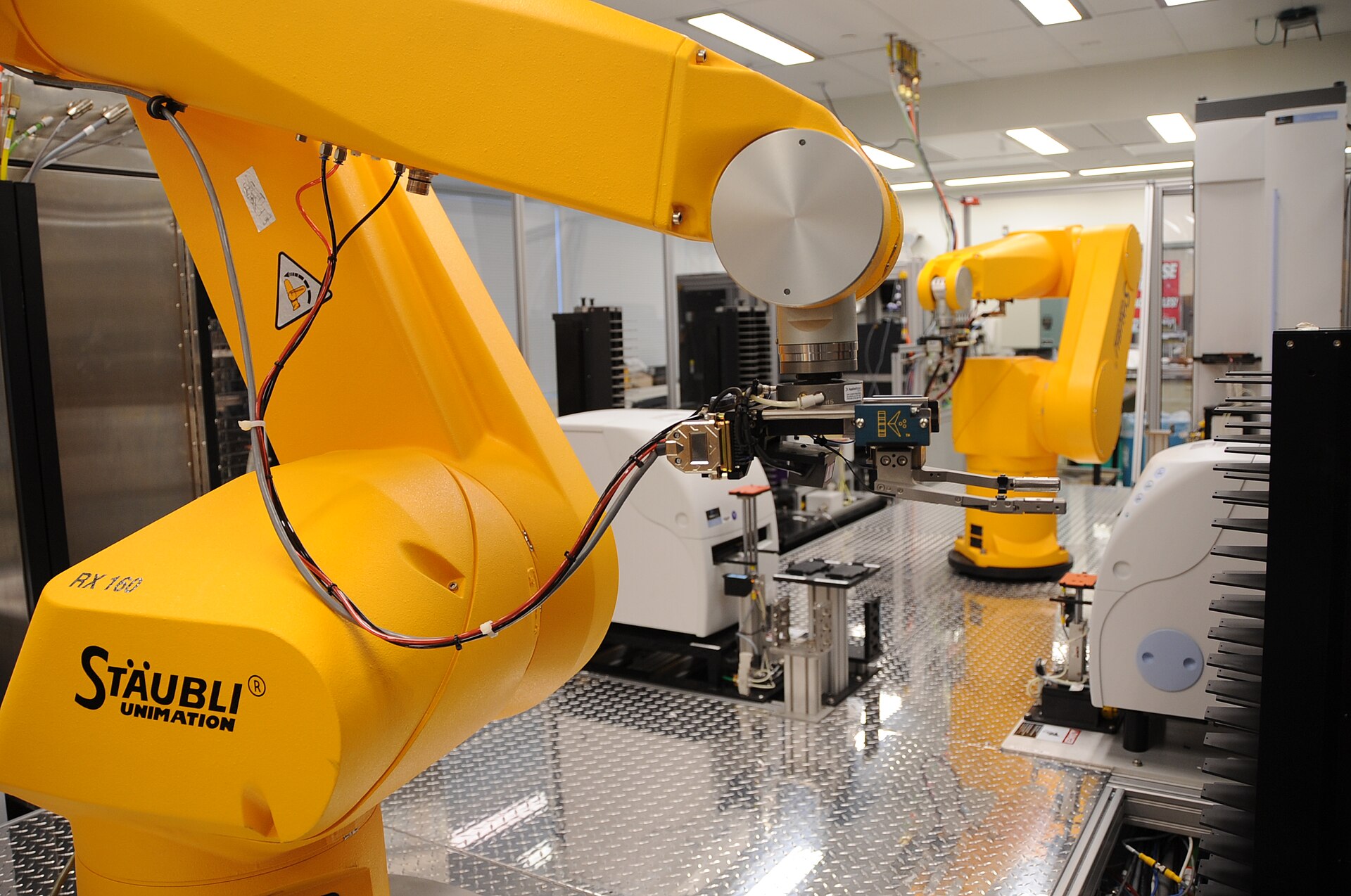
- Chemical Genomics Robot — Maggie Bartlett, National Human Genome Research Institute, Public domain, via Wikimedia Commons (source).
- PROJECT BOOT Dev Mode codes Preview css — © Deliveramable, CC BY-SA 4.0, via Wikimedia Commons (source).
- Bacloud.com rack — © Fleshas, CC BY-SA 4.0, via Wikimedia Commons (source).
Comments
No comments yet. Be the first to share your thoughts!
Leave a Comment
Your comment will be reviewed before it appears publicly.